

How to Log in to Virtualmin
In this tutorial, we will go over how to log into the Virtualmin control panel.
Open your web browser, such as Chrome, Firefox or Internet Explorer.
In the address bar at the top of your browser, browse to the following address:
Where
example.comis your domain name.Once you have entered the address above, hit
enterto go to the Virtualmin Login screen.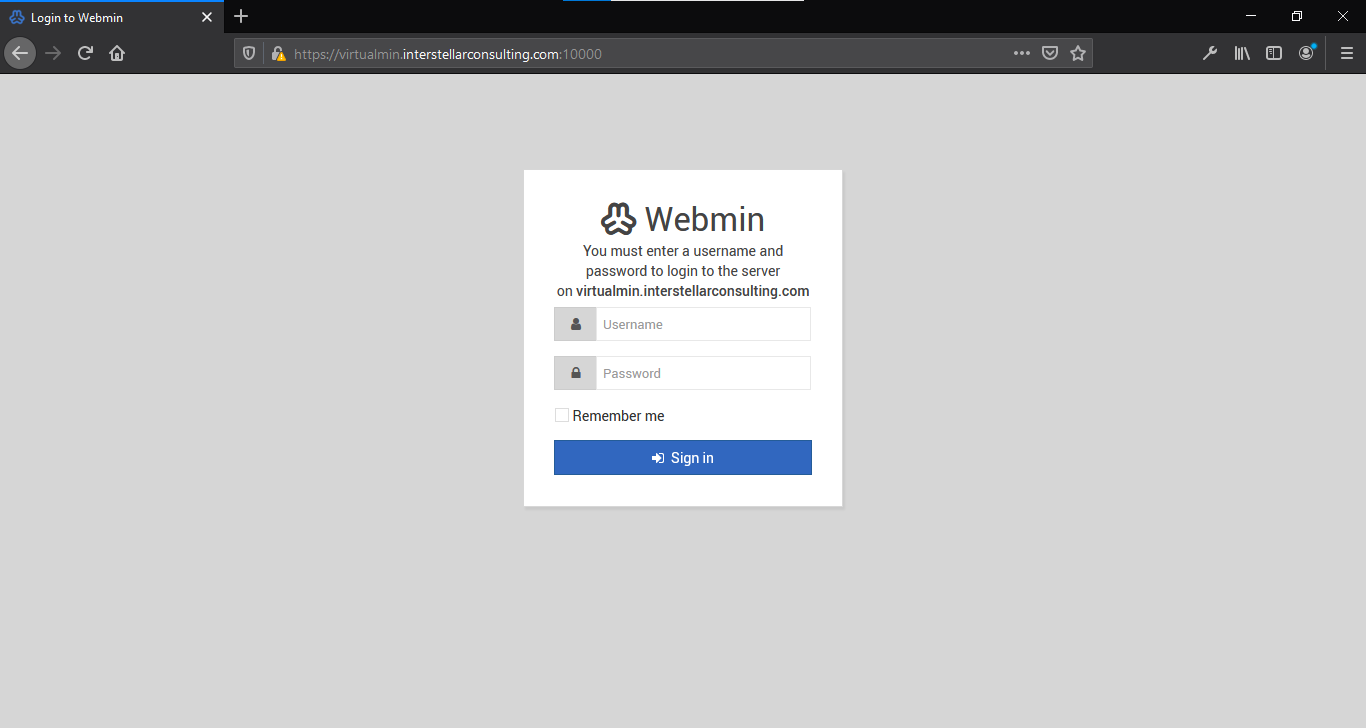
Enter the username you were given in the
Usernamefield.Enter your password in the password field.
Click Sign in, and you will be logged into Virtualmin.
You can see available tasks you can perform within Virtualmin on the navigation bar on your left.
On the right, you can see the System Information screen, giving you a system overview of resource usage and other server details.